Customize layout and backgrounds
You can customize how the Today and Journal tabs look in Diarly. Reorder widgets and set a background to match your journaling style.
Customize the Today view
In the Today tab, scroll to the bottom and tap Customize.
You can show, hide, or reorder the following widgets:
- Mood — Track how you’re feeling each day. Long press to choose which journal to create an entry in, and if it should be appended to an existing entry or create a new one.
- Daily inspiration — Rotates through lines from a selected note to spark ideas. Long press to customize.
- Latest thought — Shows the most recent thought from a selected note, automatically updating when you add new ones. Long press to customize.
- Calendar — Shows the current month.
- This week — Shows the current week’s entries in a compact format.
- Quote of the day — A daily quote to inspire your writing. Tap to start a new entry with the quote. Long press to select which journal to create the entry in.
- Pinned notes — Quick access to your pinned notes.
- Recent tags — Your most recently used tags at a glance.
- On this day — See what you wrote on this date in past years. Long press to customize which journals are included.
- Insights — Highlights and trends from your journaling habits.
- Journaling Suggestions — Writing prompts powered by Apple. Only available on iPhone.
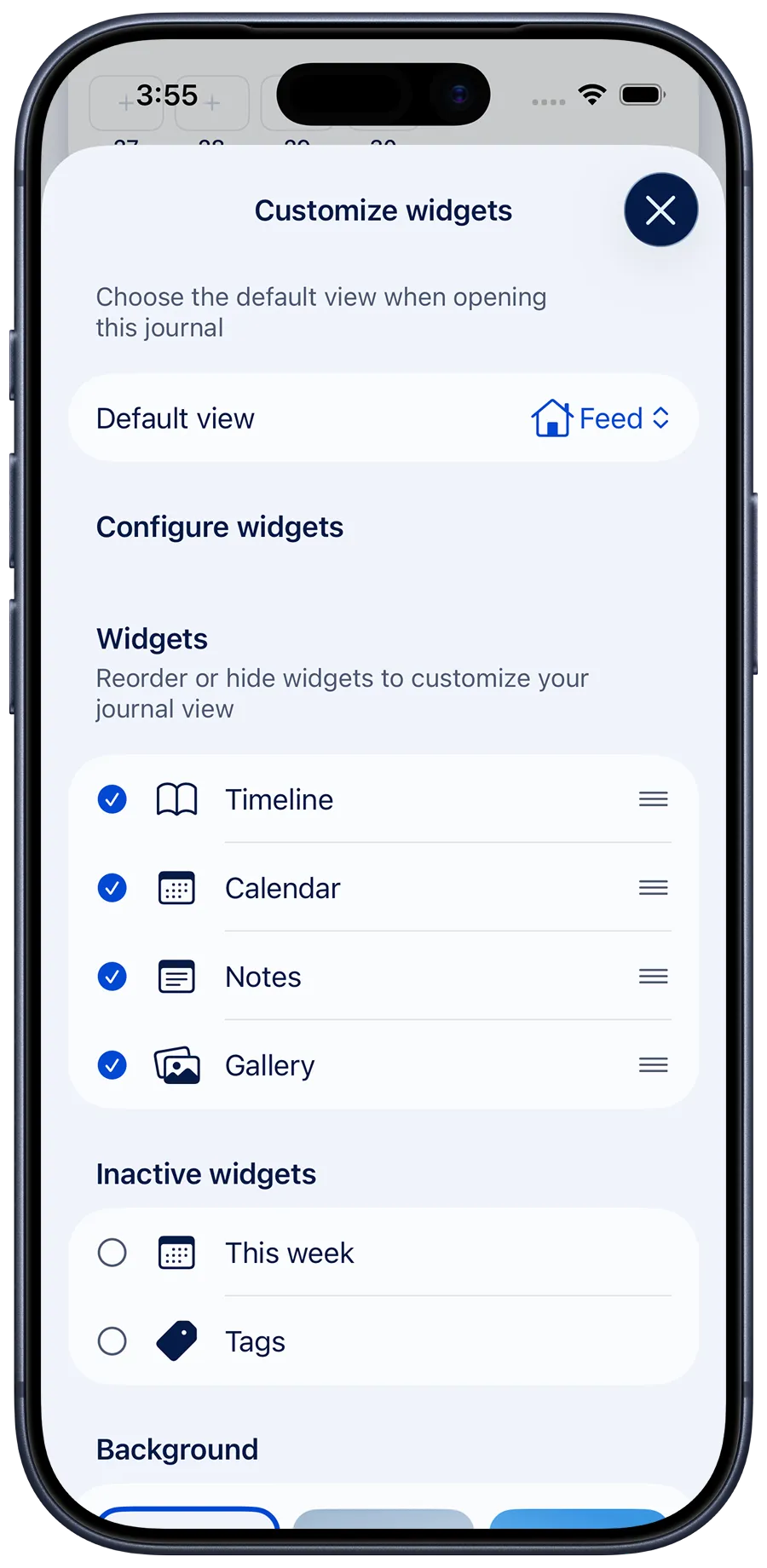
Customize the Journal view
Each journal has its own layout. Scroll to the bottom of any journal and tap Customize.
You can choose which widgets appear and adjust their order:
- Timeline – Your daily entries organized by date.
- Calendar – A monthly calendar with visible entry highlights.
- Notes – Undated entries, great for drafts, ideas, or planning.
- Gallery – A visual layout for photos or media added to entries.
- This week – A short overview of entries for the current week.
- Tags – Your most recently used tags at a glance.
Set a background
You can customize the background for both Today and Journal tabs. The background chosen for Today will be applied globally, but can be overridden by a different background in each Journal.
Choose from:
- Suggested background – Adapts automatically to light or dark mode.
- Custom background – Pick an image from your Diarly gallery.
- Gradient background – Choose a color gradient for a softer, personalized look.
💡 The custom background picker only shows images that have been added to Diarly, not from your device’s Photos library. To use a custom image background, you need to add it to an entry first.